Manage Announcements
Overview
Share Link's manage announcements is where you manage announcements you want to appear in your widgets or generate AI summaries for your announcements.
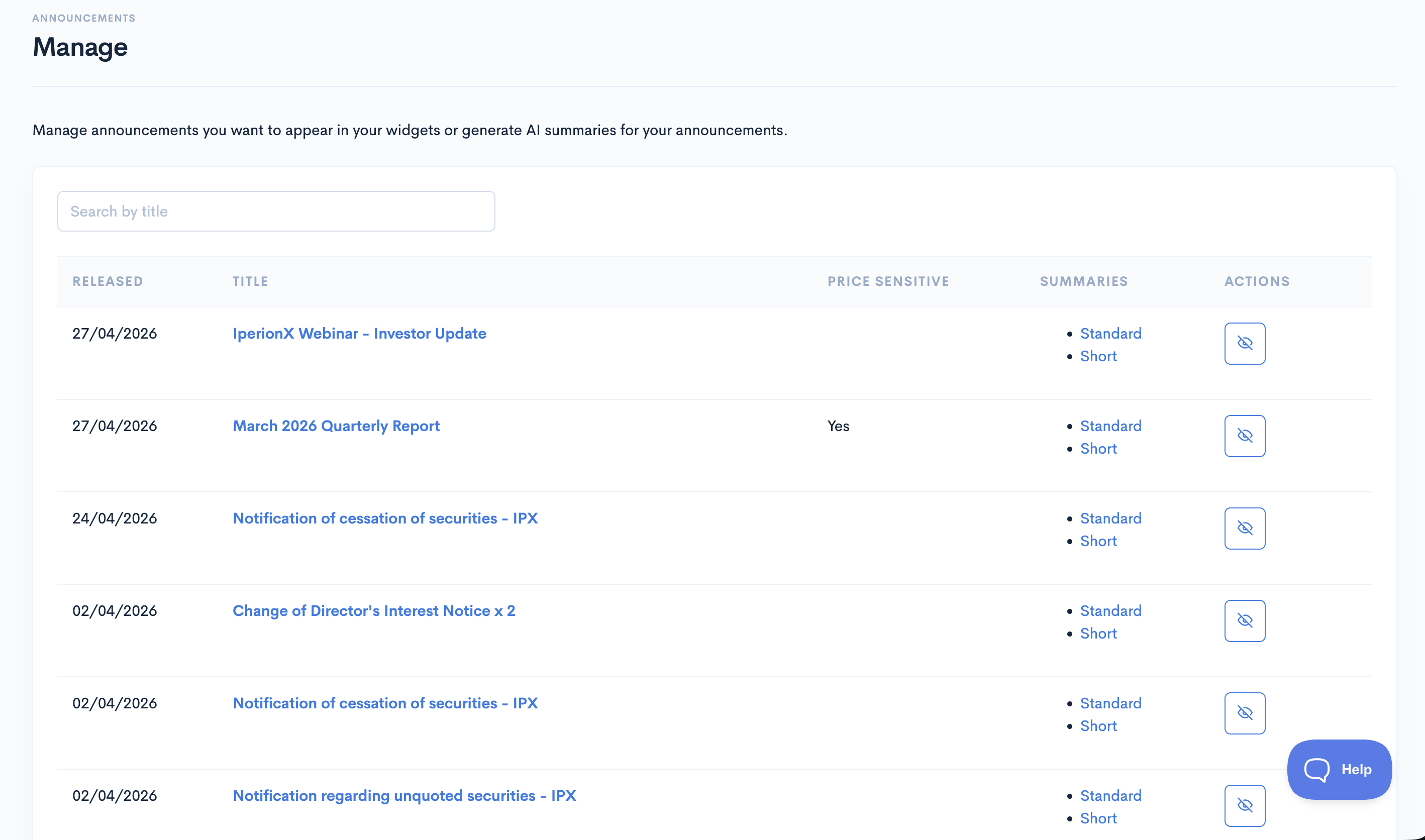
Hide From Widgets
By default, all announcements are visible in your widgets. To hide a specific entry, click the Hide icon in the Actions column.
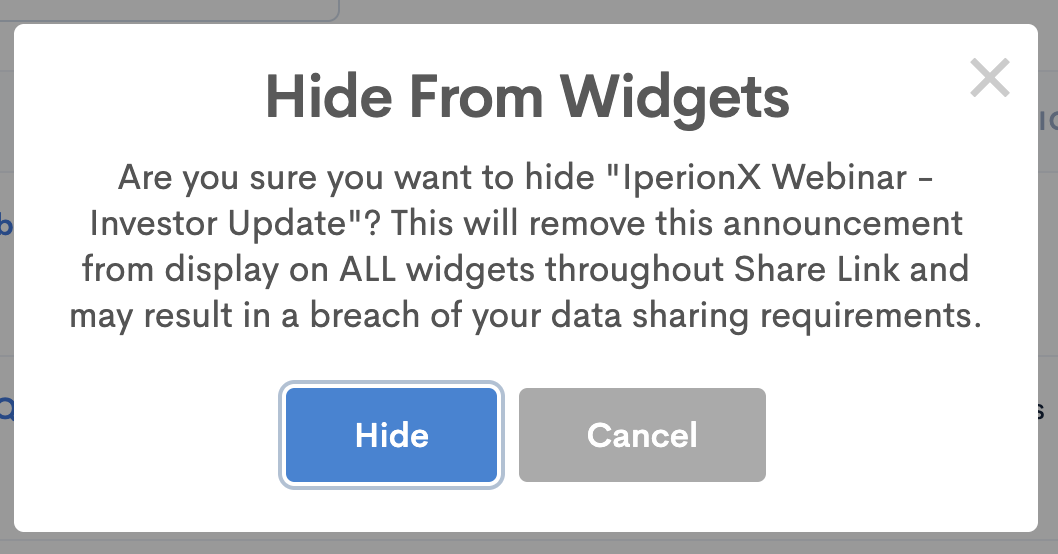
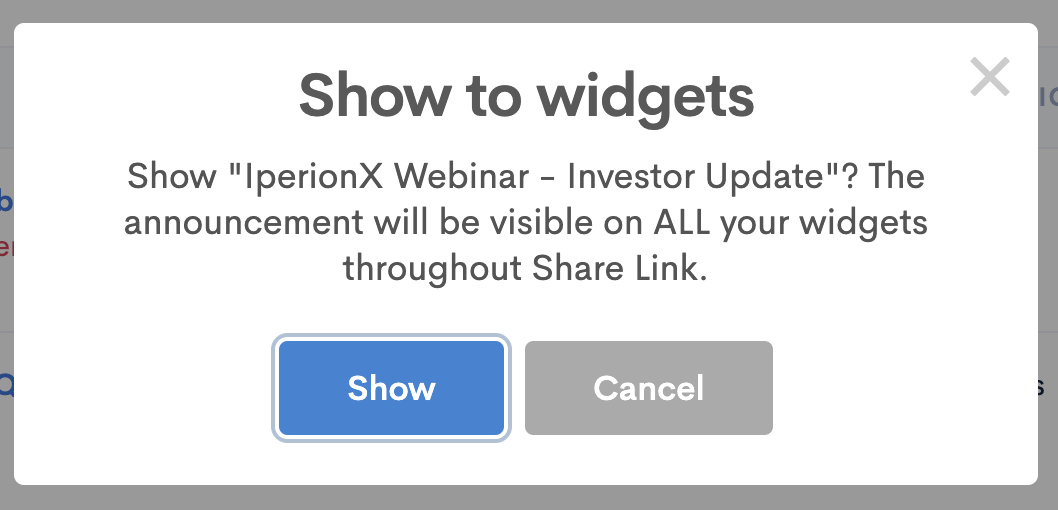
Show To Widgets
To reveal a hidden announcement, click the Show icon in the Actions column.
AI Summarize
To manually summarize an announcement, click AI Summarize icon in the Actions column. Once an AI summary has been generated, you can view it in the Summaries column. Note that all new announcements are automatically summarized by default.
