AI Summaries
Overview
Share Link’s AI summaries let you review and refine announcement summaries before they appear on your widgets.
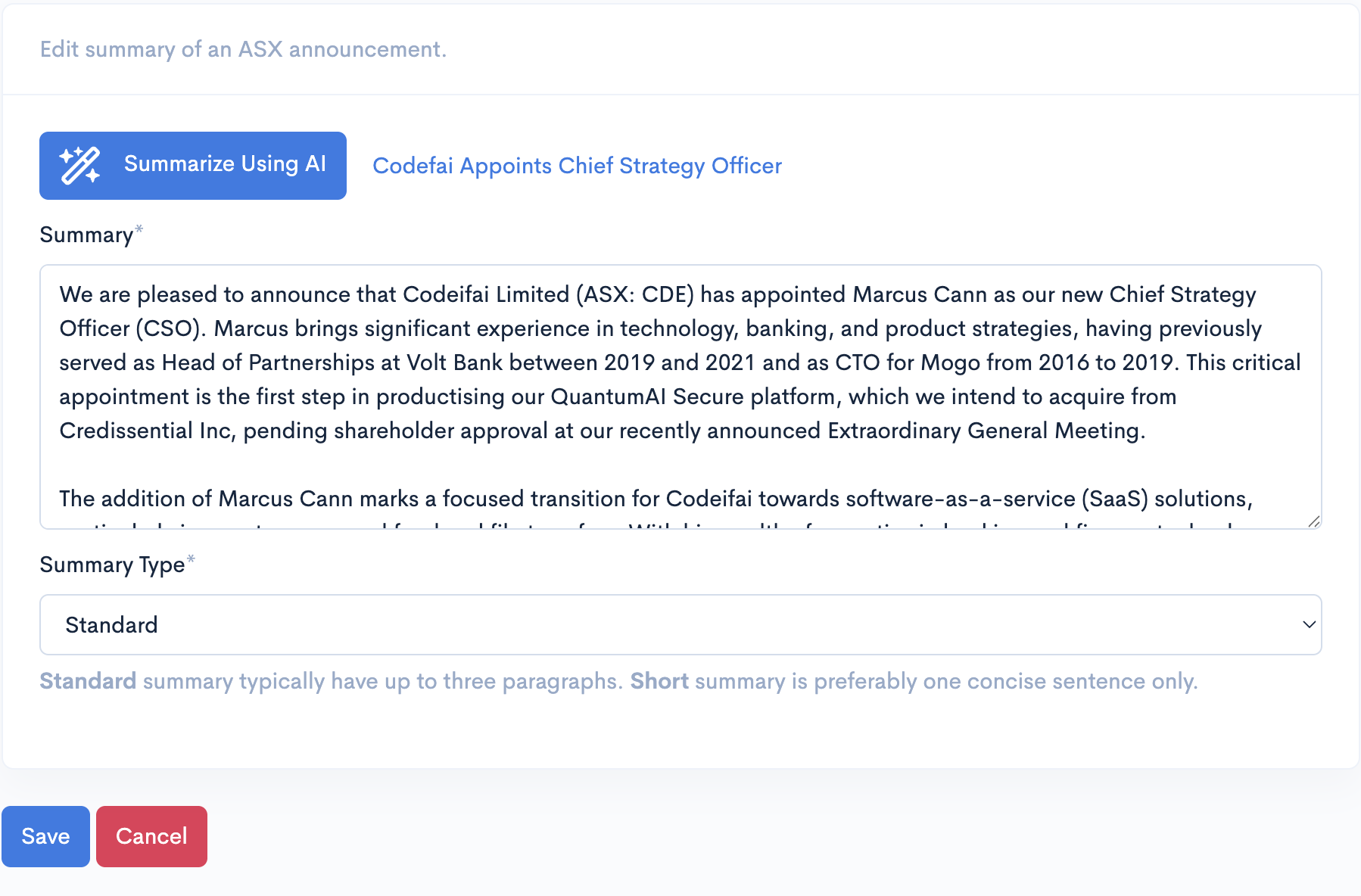
Edit Summary
From the summaries page, click on the Edit button to show the edit summary form. You can freely modify the summary and save the changes by clicking on the Save button. Alternatively, you can ask the AI to regenerate another summary by clicking on the Summarize Using AI button.
Show To Widgets
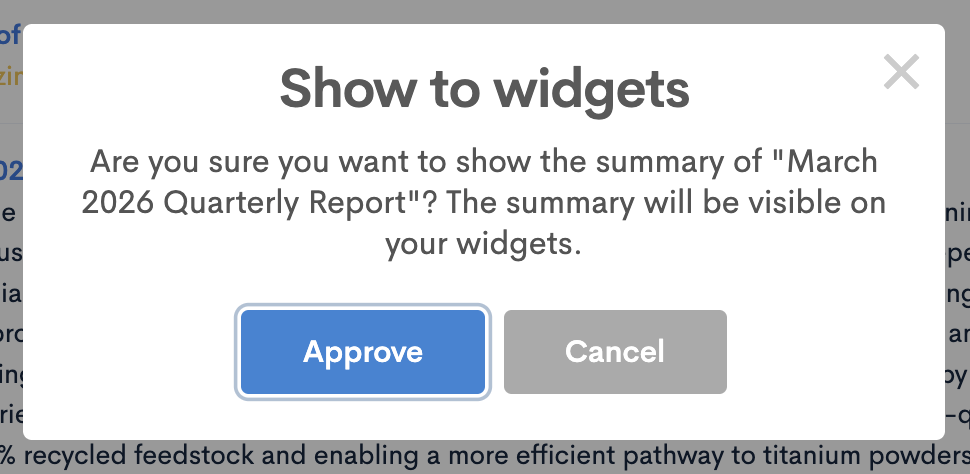
By default, AI summaries are hidden so you can review them before they go live. To publish a summary to your widgets, click the Show button.
Hide From Widgets
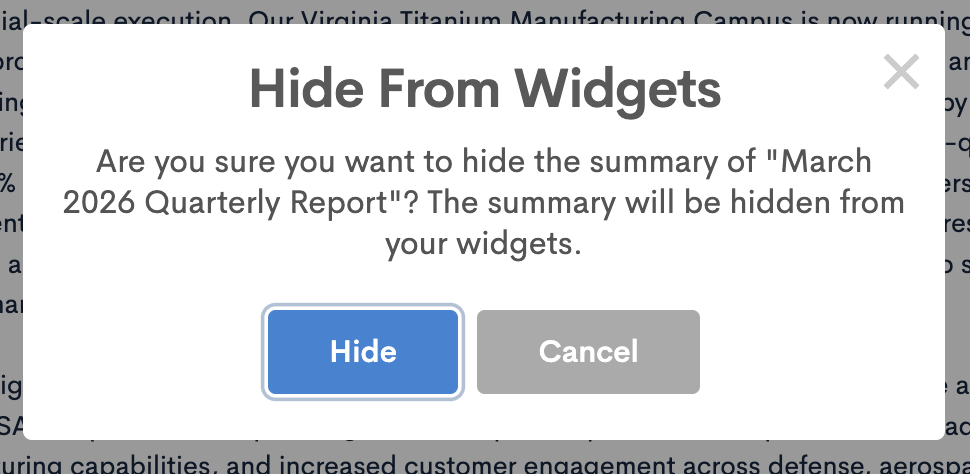
You can also hide a summary from your widgets at any time by clicking the Hide button.
Remove Summary
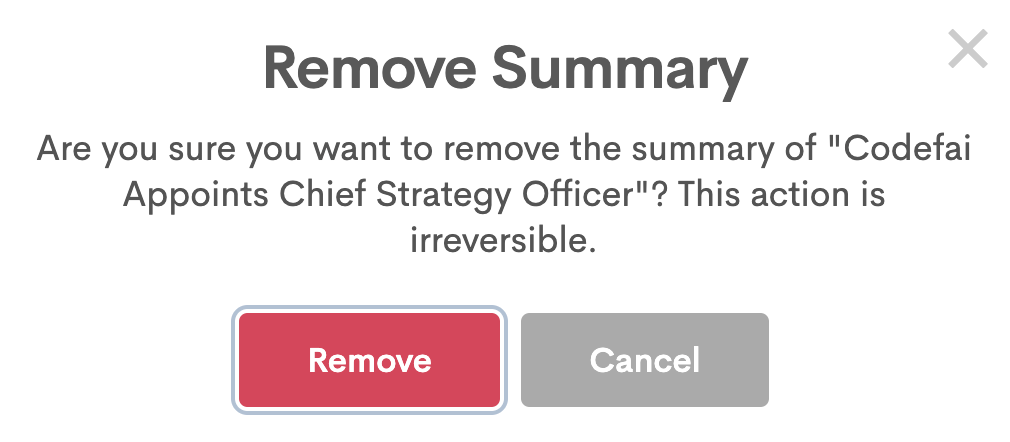
You can remove a summary from the summaries list by clicking on the "Remove" button.