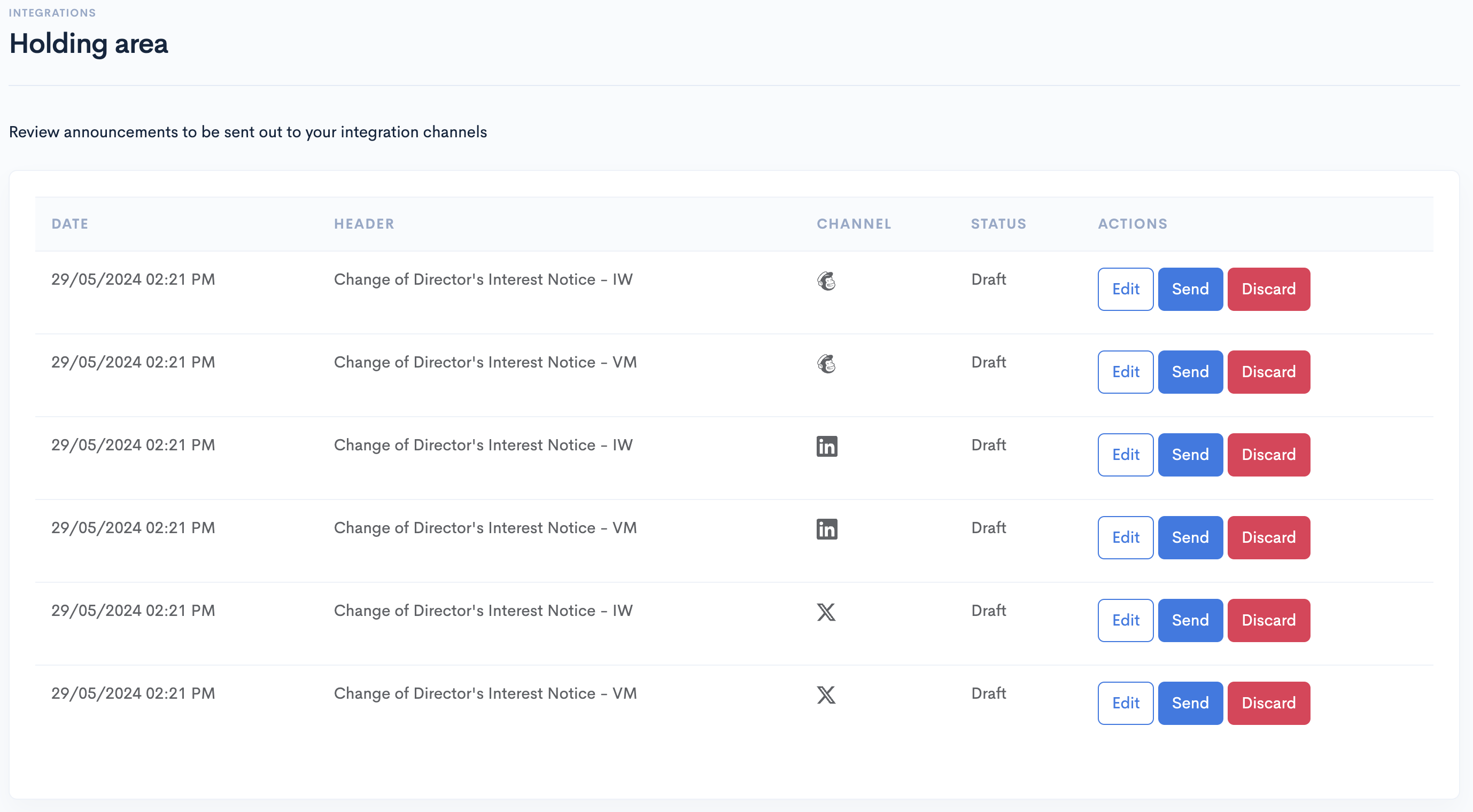
Holding area
Overview
Share Link's holding area allows you to review announcement integrations to be sent out to its integration channel, and announcement summaries generated using an AI language model.
Socials
Any MailChimp, LinkedIn or X integration that has Keep in holding area checked will send its announcement here.
To use this feature you must be subscribed to the Premium plan.
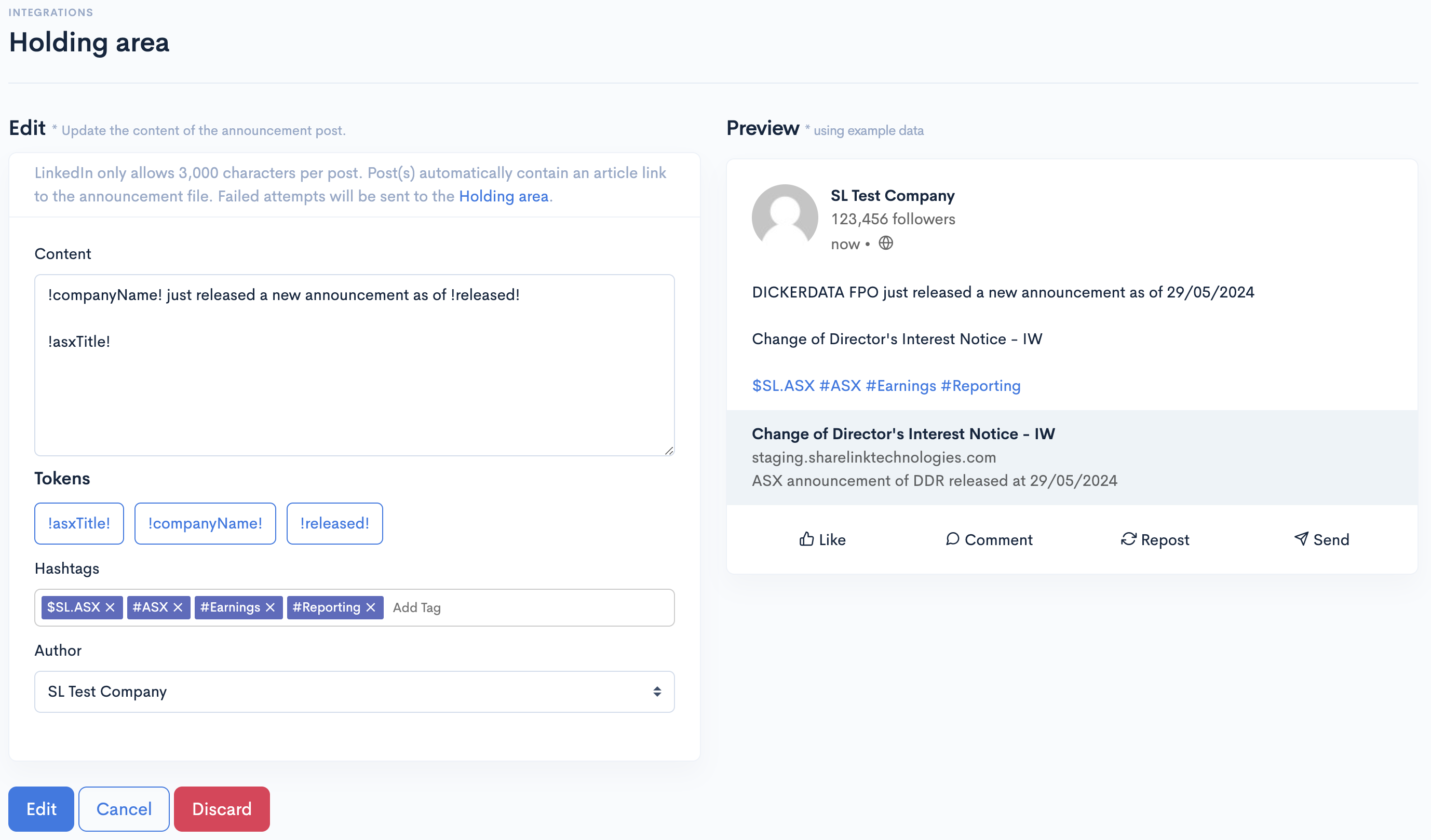
Edit announcement
Click on the "Edit" button of the announcement you want to edit. The options available is the same with the interaction of the integration channel.
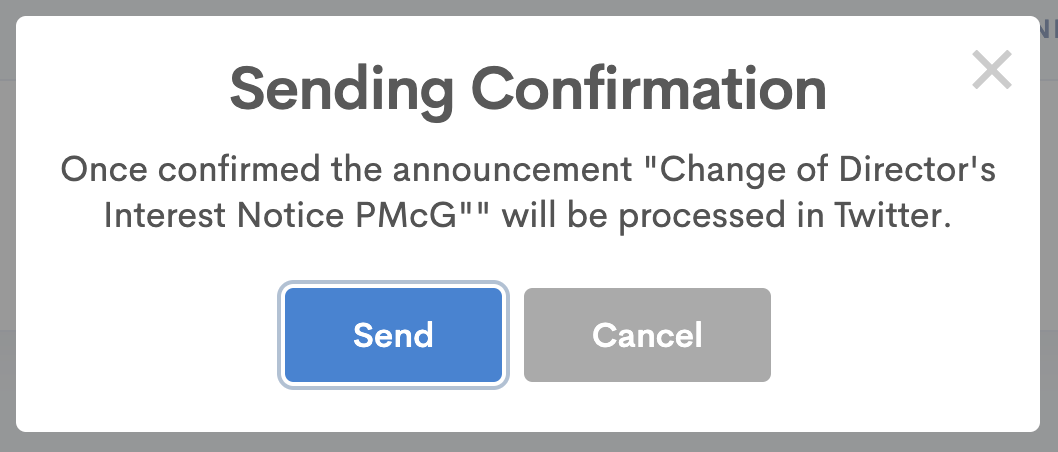
Send announcement
Click on the "Send" button of the announcement you want to send. Once confirmed, Share Link will send a request to the integration channel to send out the announcement based on the latest changes you have saved.
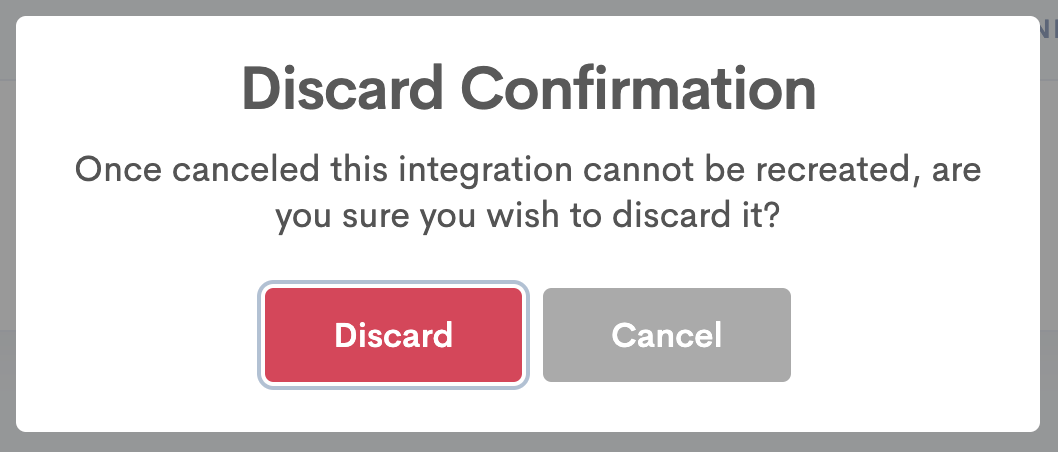
Discard announcement
Click on the "Discard" button of the announcement you want to discard. Once confirmed, the announcement interaction will be removed and it is not reversible.